Tue. Sep 8th, 2026
Skip to content
Open Electronics

Open Electronics

  • 3Drag 3d printer
  • About
  • Advertise with Open Electronics
  • Cart
  • Checkout
Sign in 0 €0.00
Open Electronics
Open Electronics

Topics

  • 3D Printing697
  • Arduino1217
  • Artificial Intelligence103
  • Audio78
  • Crowdfunding505
  • Displays and Interfaces3
  • Gadgets1
  • Guest Posts11
  • Health and Medical Devices1
  • Home Automation61
  • Interviews40
  • IoT and Connectivity510
  • Meet the Founders15
  • Microcontrollers272
  • Mods and Hacks25
  • News768
  • Open Source Projects493
  • Opinions62
  • PCB and CAD1
  • Power and Energy100
  • Products549
  • Programming1
  • Projects4
  • Promotions16
  • Raspberry Pi693
  • Robotics and Drones401
  • Tools and Software272
  • Tutorials39
  • Wearables74
Arduino News 3D Printing Raspberry Pi Products IoT and Connectivity Go to the shop
  • Let’s program Arduino with Microsoft Visual Studio 2017
    Arduino | Open Source Projects | Tutorials

    Let’s program Arduino with Microsoft Visual Studio 2017

    Byoeadmin February 3, 2020September 7, 2026

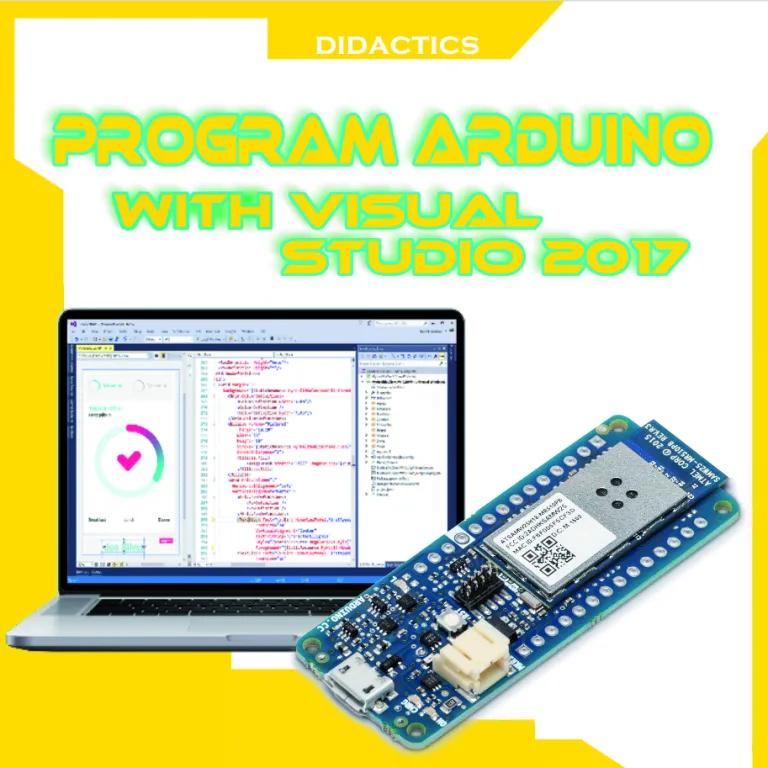
      Let’s discover the programming environment that facilitates interaction between software and electronic devices. Electronics and IT have many things in common, we just need to know that the latter would not exist without the former. So yet, we tend to consider IT as a world apart and for this reason, we often do not…
    Read More Let’s program Arduino with Microsoft Visual Studio 2017Continue

  • How to Control Your GoPro Using the Arduino MKR1000
    Arduino | IoT and Connectivity

    How to Control Your GoPro Using the Arduino MKR1000

    Byoeadmin July 11, 2018July 10, 2018

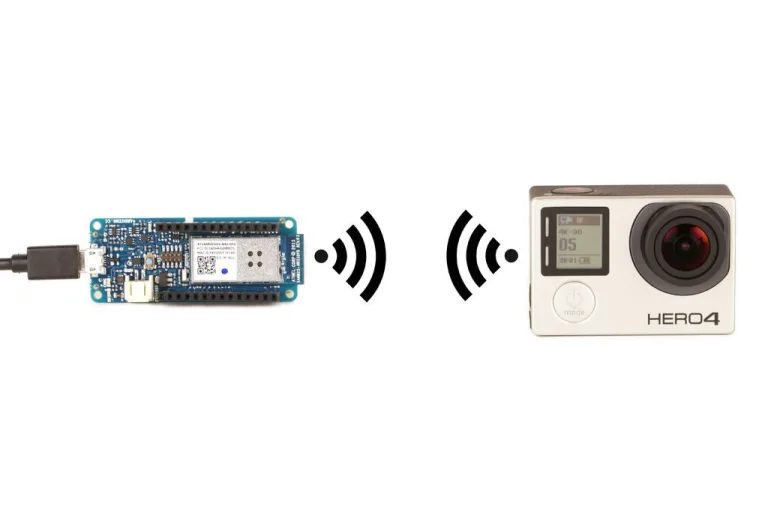
    If you have a HERO4 or HERO5 at home, thanks to their WiFi capabilities, with the proper programming you can use an Arduino sbc like the MKR1000 for control. The Maker Randy Sarafan was able to set up a MKR1000 to communicate with a HERO4 as well as a HERO5 Session, including sending a Wake-on-LAN signal to power…

    Read More How to Control Your GoPro Using the Arduino MKR1000Continue

  • Lift establishes a new accuracy level for finger tracking
    Arduino

    Lift establishes a new accuracy level for finger tracking

    Byoeadmin April 21, 2017April 20, 2017

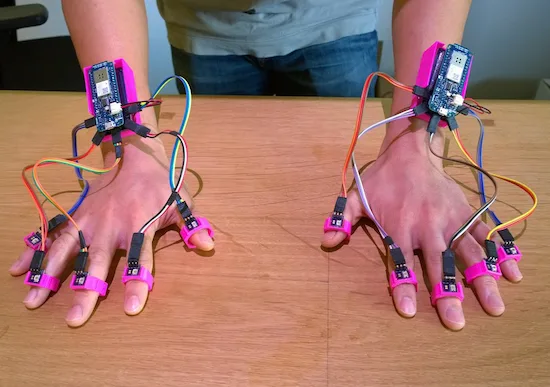
    Using a pair of Arduino MKR1000s, researchers at the University of California, Irvine and FX Palo Alto Laboratory have come up with a new way to track 10 fingers to within less than two millimeters. In this technique, called “Lift,” a normal DLP projector is used to display a series of tiny encoded images onto any…

    Read More Lift establishes a new accuracy level for finger trackingContinue

  • 131 projects with Arduino & Genuino MKR1000
    Arduino | Home Automation

    131 projects with Arduino & Genuino MKR1000

    Byoeadmin April 11, 2016April 10, 2016

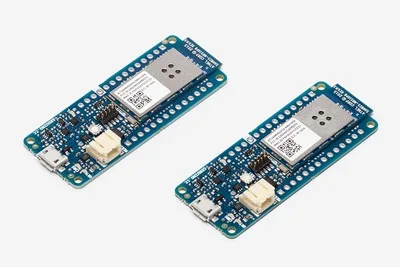
      Arduino/Genuino MKR1000 has been designed to offers a practical and cost effective solution for makers seeking to add Wi-Fi connectivity to their projects with minimal previous experience in networking. The board is so young but 131 projects have been already uploaded to Hackster.io. Here at the following link you can see the gallery: Arduino…

    Read More 131 projects with Arduino & Genuino MKR1000Continue

About us

Open-Electronics.org is the brainchild of a world leader in hobby electronics Futura Group srl. Open-Electronics.org is devoted to support development, hacking and playing with electronics: we share exciting open projects and create amazing products!

Open-Electronics.org is not just a container of ideas: it is also a web site lead by a team of engineers and geeks who will take part in the discussions and give support.

Our mission is to become a reference Open Source hacking site with ideas and feedback aimed to enrich the community.

Read

  • News
  • Open Source Projects
  • Tutorials
  • Interviews
  • Opinions

Shop

  • All products
  • Cart
  • My account

© 2026 Open Electronics - WordPress Theme by Kadence WP

  • 3Drag 3d printer
  • About
  • Advertise with Open Electronics
  • Cart
  • Checkout