
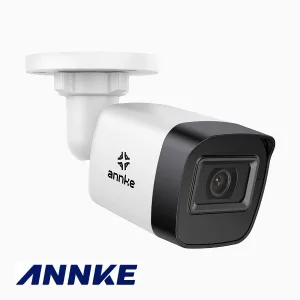
5MP IP bullet camera with PoE and microSD
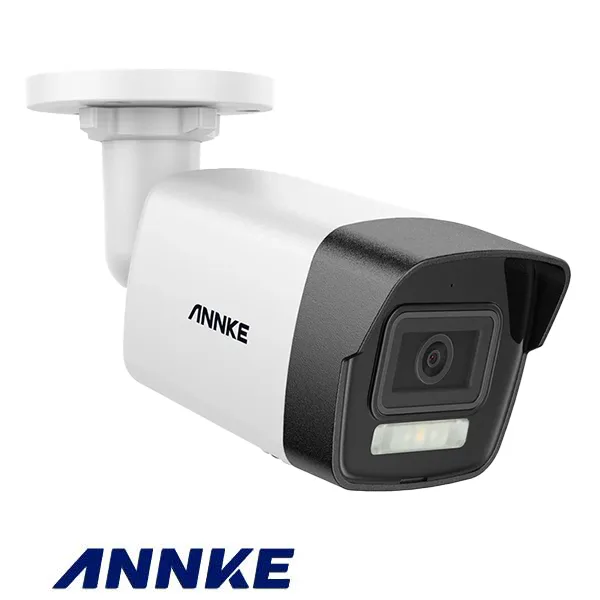
SKU 7940-ANK5MIPBUEAN 8219671046060Features: Annke Vision app, Hik-Connect app, IP67 rated, microSD slot, ONVIF, PoEColour: Black, WhiteFormat: BulletMaterial: Plastic / metalResolution: 3K, 5 MpxConnection type: Ethernet cableCameras
Description
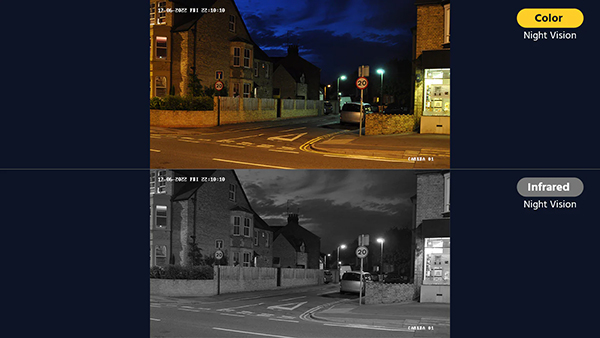
| 5MP BULLET camera for indoor/outdoor use with IP67 protection and a fixed 2.8 mm focal length that gives a wide angle of view. It has an IR illuminator and a white LED for colour night vision, plus a PoE interface that makes installation easier.
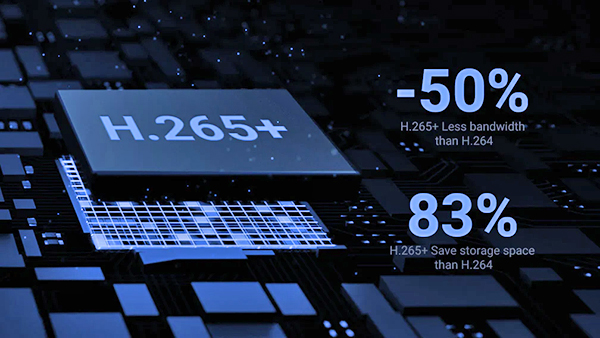
Its 1/3″ progressive scan BSI CMOS sensor lets the camera deliver sharper detail, helped by H265/H265+ compression, which gives better image quality with a smaller data stream. The motion system uses an intelligent algorithm built on a deep learning platform; the camera detects people and vehicles, helping to cut unwanted motion alerts triggered by animals or stray inanimate objects by 99%. A built-in web server allows configuration and viewing from any web browser. The camera can be used together with a DVR/NVR (Annke or ONVIF-compatible and able to work at 5MP resolution), or on its own by fitting a microSD card and using the Annke Vision app to view on a smartphone. |
| Technical specifications |
|
| Capture sharp night-time detail with smart dual light |
|
|
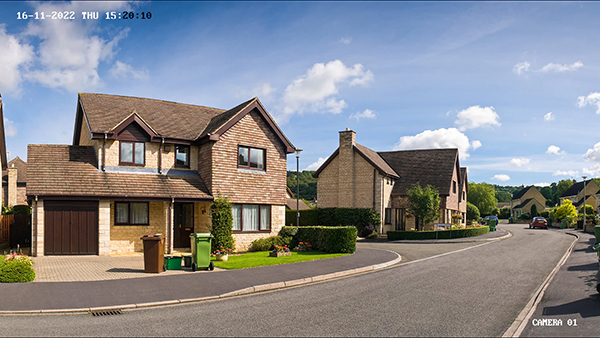
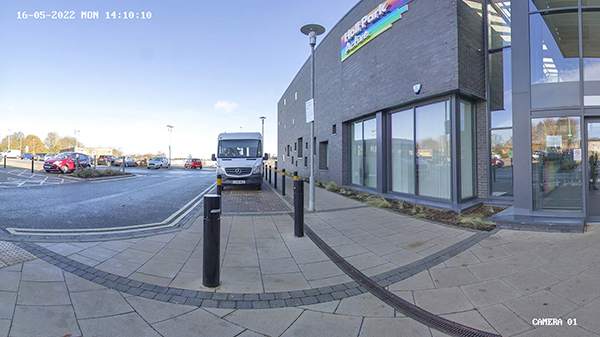
| Ultra-sharp 3K video with 16:9 aspect ratio |
|
|
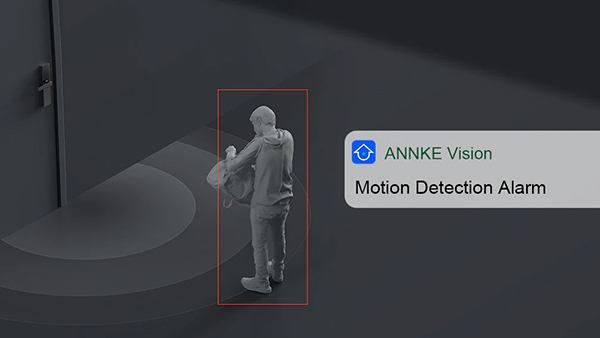
| Smart detection of people and vehicles, 99% accurate alarms |
|
|
| H.265+/H.265 to save storage space |
|
|
|
Wide angle of view
|
|
|
|
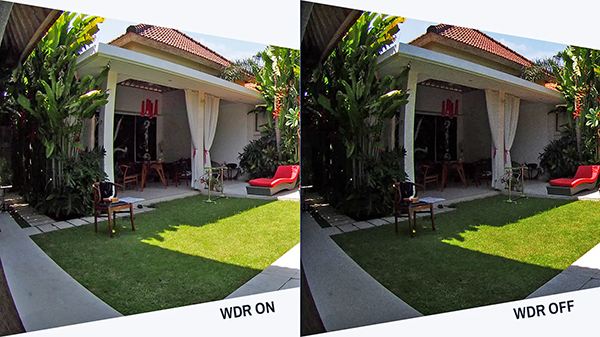
Four image enhancement technologies
|
|
|
|
What’s in the box
|
|
|
Technical documentation
|
|
|
FAQ
|
|
Technical details
| Image sensor | Colour CMOS |
|---|---|
| Image resolution | max. 5 Mpx (3072x1728) 16:9 |
| Lens | 2.8 mm |
| Angle of view | Horizontal 90° / Vertical 54° |
| Colour | 0.005 Lux @ (F1.6, AGC ON) |
| B/W | 0 Lux with IR |
| Scanning system | progressive |
| Illuminator range | IR: up to 30 m / white light: up to 20 m |
| Main-stream video compression format | H.265+/H.265/H.264+/H.264 |
| Sub-stream video compression format | H.265/H.264/MJPEG |
| Protection rating | IP67 |
| Network interface | RJ45 (10/100 Base-T) |
| ONVIF support | Yes, version 18.12 |
| PoE | Yes |
Related products
-
 Cameras
 -
 Cameras
 -
 Cameras
 -
 Cameras
4MP ANPR Camera – License Plate Reading, Relay Gate Control and AI Video Analytics
€507.38excl. VAT€619.00incl. VAT -
 Cameras
 -
 Cameras
 -
 Cameras
 -
 Cameras