
Demo Board for the DFR0299 MP3 Audio Player – Kit
SKU 7100-FT1280KEAN 8219671079778Item type: Assembled, KitAccessories
Description
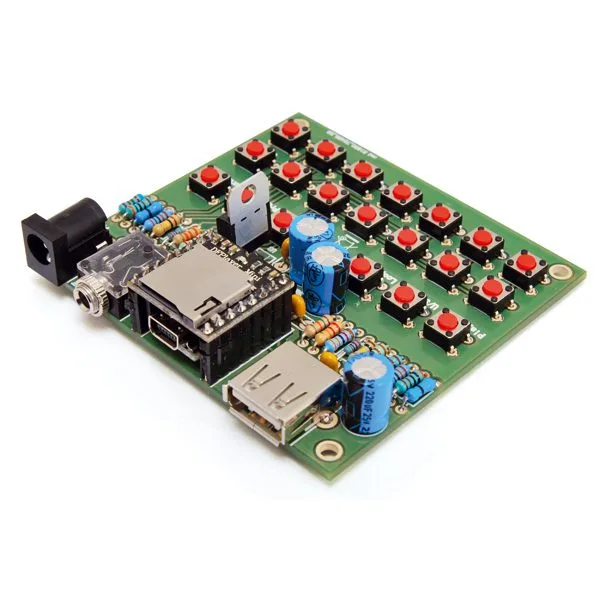
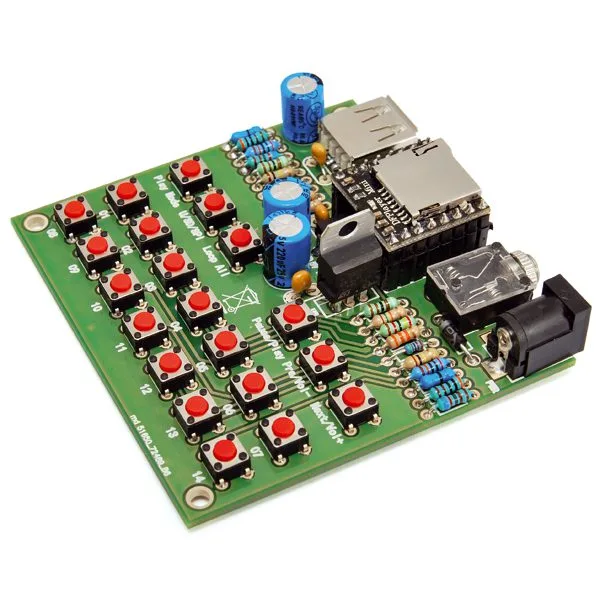
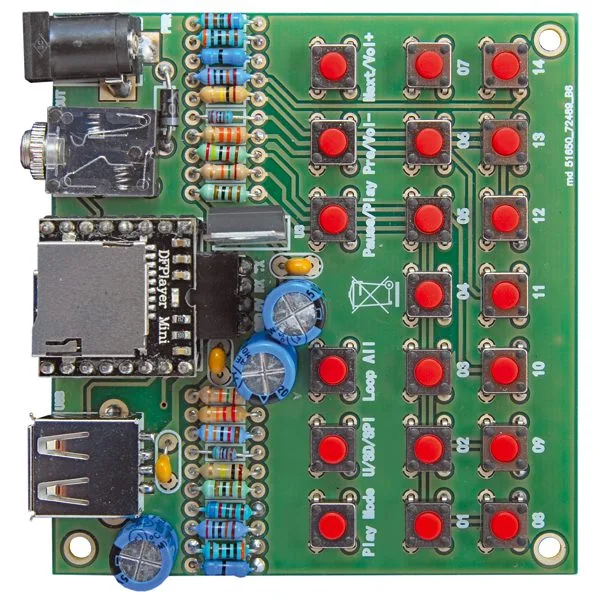
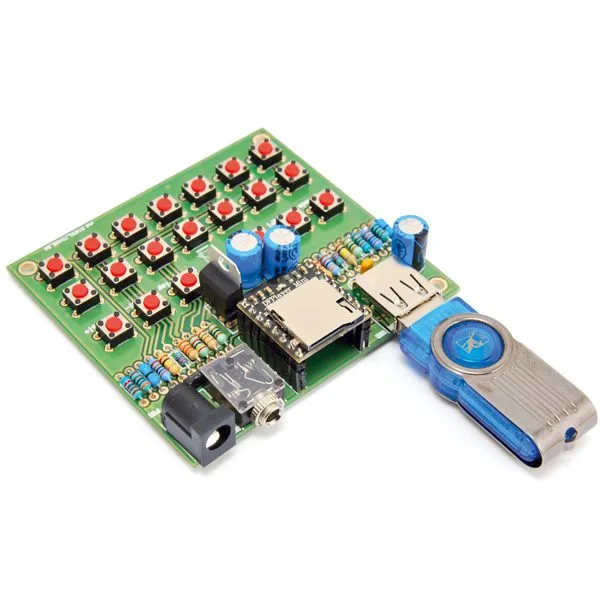
Demo board specifically designed to exploit all the potential of the DF Robot MP3/WAV audio player module (DFR0299). The demo board features 20 buttons that allow managing files stored on an SD card (max. 32 GB – not included) inserted in the dedicated slot of the player module; USB interface that allows reading data from a pen drive, DC power plug, jack socket for audio output, pin strip for inserting a serial/USB converter (not included) to interface it with a personal computer to transfer the MP3 files to be played. Being a demo board, all contacts have been extended externally, including TX and RX of the module’s internal UART, which works at 9,600 bps by default. The entire circuit is powered by a DC voltage between 9 and 12 Vdc.
N.B. the MP3 module code DFR0299 and the USB-serial converter code FT782M are not included (see related products).
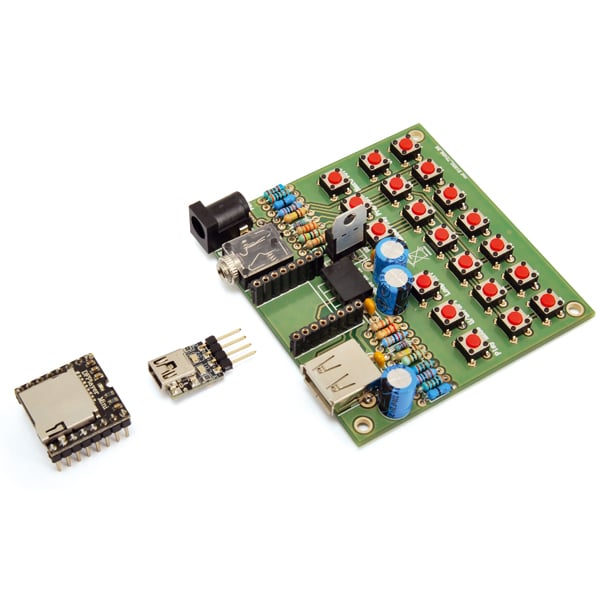

The functions of the 20 buttons
To allow reading multiple buttons, a trick has been adopted that uses the A/D converter inside the microcontroller assigned to the ADKEY1 and ADKEY2 lines. This solution was adopted because otherwise reading the 20 buttons would require as many pins.
The buttons are divided into functional groups: those that activate direct playback of tracks (in this case, the button command provides for the playback of 14 audio files) and those that control the operating mode; the former are 01÷14 and pressing one of them automatically plays the tracks that are in the corresponding position on the mass storage device used or predefined.
So pressing 01 directly plays the first track, pressing 02 the second, and so on up to track 14. It should be noted that the fourteen keys relating to the memory segments where the same number of tracks are stored have two activation modes: a short press starts playback while a long press determines the repetition of the track from the beginning.
Play Mode decides the playback mode, i.e. whether to play the current track to the end or immediately move to the selected one (interrupt/non-interrupted mode); each press of the button reverses the mode; the U/SD/SPI button manually sets the selection of the source from which to read the files to be played (U/TF/SPI/Sleep):
each press cycles, in order, from USB to SD card to SPI, so the third press puts it in Sleep Mode and then it starts over.
The third function button, Loop, allows switching from single playback mode to cyclic mode: in the first case, the track selected with buttons 01÷14 is played only once per press, while in the second (cyclic) it starts over infinitely, i.e. until power is removed from the circuit, the Loop button is pressed again, or the Pause/Play button is used.
The latter serves, precisely, to pause the current playback, or to resume it if it has been paused; this applies both if single (one-shot) playback has been selected and if cyclic playback has been selected, and it does not alter the settings made with the previous buttons.
The Next/Vol+ button also has a dual function:
briefly pressed, it skips from the current track to the next one during playback; in this case, it is equivalent to skip. If pressed for a long time, it raises the listening volume (i.e. the level of the audio signal provided to the outputs and to the amplifier integrated in the module) constantly until it is released. Similarly, the Prev/Vol- button (the fifth function button) if briefly pressed skips playback from the current track (selected with 01/14) to the previous track (for example, if the player is playing track 5, it starts playing track 4) while when pressed for a long time it progressively lowers the listening volume until it is released.
Regarding the listening volume, note that at startup it automatically starts from the highest volume, so it will need to be adjusted via buttons (more precisely, you will need to intervene on Prev/Vol-) to adapt it to your needs.
Technical specifications
- Button control
- Automatic or manual data source selection
- Output for 3-watt 8-ohm mono speaker
FAQ
- Pressing the track addressing buttons, it is not possible to give the exact track to be played, how can this be done?
The assignment of the button to the track occurs based on the temporal order of copying the audio track, so if you copy “track1.mp3” first and then “track2.mp3”, button 1 will be assigned “track1.mp3” and button 2 “track2.mp3”. If you copy only 2 tracks, it is not possible to assign them to the desired buttons as they will be automatically assigned to the first 2 buttons. - Is it possible to change the default volume at power-on?
The default volume is always set to maximum level and it is not possible to set a different one as default. - Is the audio output from the jack always the same on the right and left channels, does it not reflect the stereo standard?
The amplified output of the DFR0299 module is mono, so it was decided to connect both the right and left channels to the same source, thus creating a jack that requires a 3-way connector (R channel, L channel, GND). The DFR module provides a mono output where both the right and left channels converge, so if the audio track is stereo, it will be heard completely without track skips.
Technical details
| Supply voltage | 9÷12 Vdc |
|---|---|
| Maximum current draw | 500 mA |
| Supported file formats | MP3 and WAV |
| Playable tracks | 14 |
| Data source | microSD and USB |
You may also like…
-
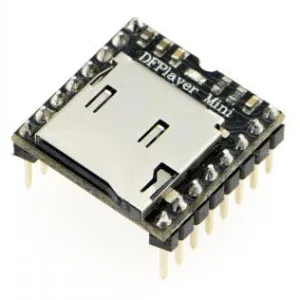 Accessories
 -
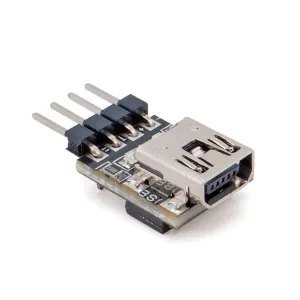 Interface converters
 -
 PC storage
Related products
-
 Other home products
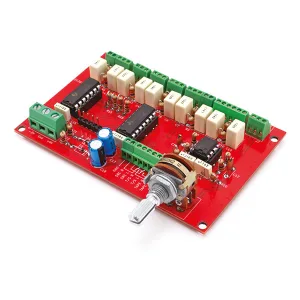
4-input digital stereo audio selector + Tape Monitor, dual output and volume control
Price range: €24.00 through €43.00 incl. VAT -
 Accessories
 -
 Accessories
 -
 Accessories
 -
 Accessories
 -
 Accessories
 -
 Accessories
 -
 Accessories
Sound Effects Generator for DJs and Radio – Sirens, Explosions and Special Sounds
Price range: €26.00 through €42.00 incl. VAT