
IoT WiFi Control Board 2In 2Out for Electrical Panels
SKU 7100-FT1771MEAN 8057190730158Item type: AssembledEthernet & Wi-Fi, Ethernet devices
Description
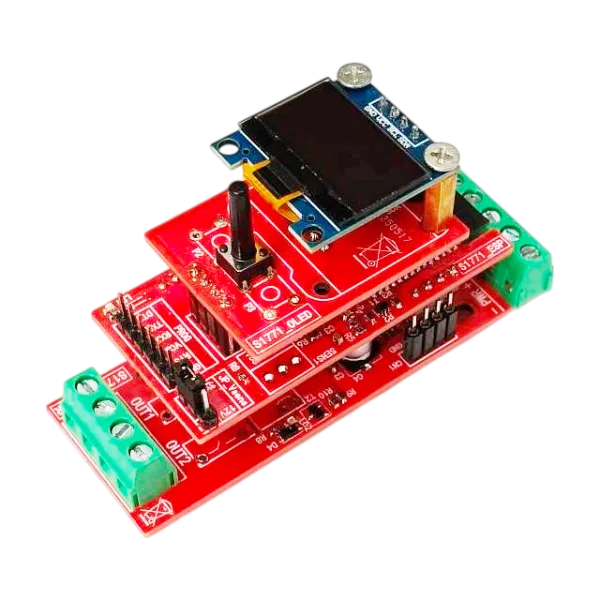
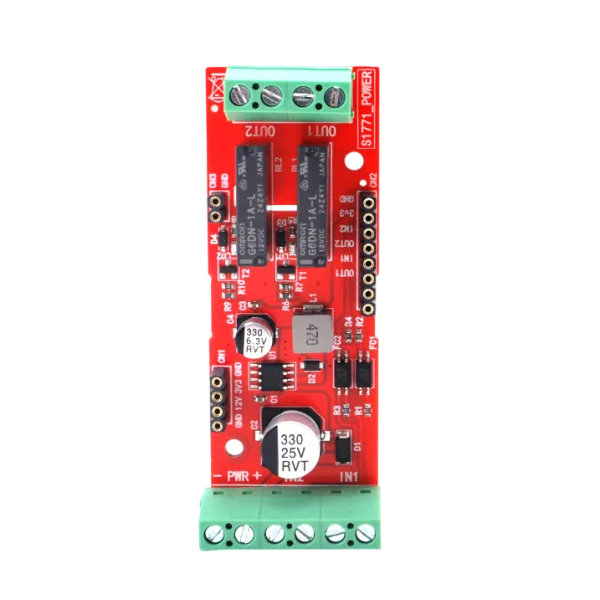
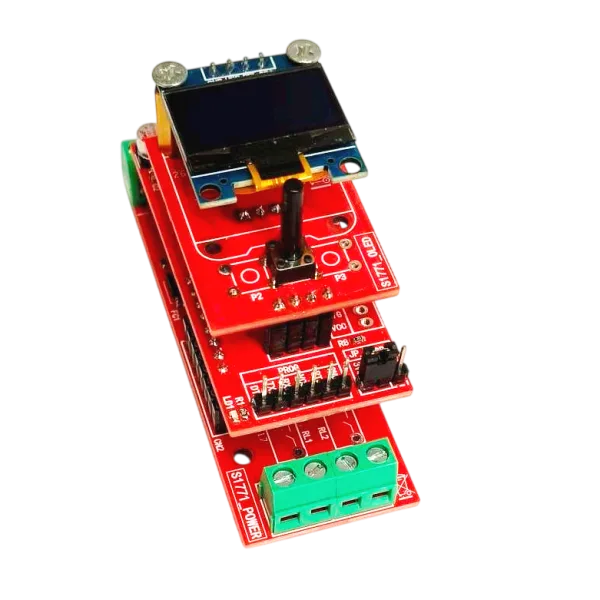
Ideal for electrical panels and home automation systems, this module based on the ESP32 installs on a DIN rail (optional enclosure) and integrates a powerful web server for managing two relay outputs and two contact inputs.
Configuration is easy and fast: at first startup, the device acts as a WiFi access point, allowing you to connect and set up the network directly from your smartphone. Once you have set the WiFi network to connect to, the device will be visible on your network from any station. Thanks to its WiFi connectivity, the module offers you total and flexible control over any automation need with its four different operating modes: manual, automatic, or remote.
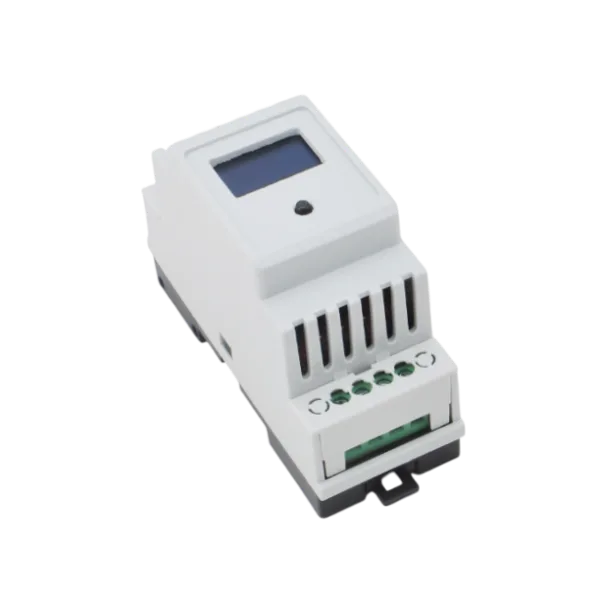
Note: The enclosure shown in the photos must be purchased separately.
Main Features
- Responsive Web Server: The web page graphics automatically adapt to the screen size (smartphone, tablet, or PC), ensuring perfect display and usability on any device.
- DIN Rail Mounting: Designed for integration into electrical panels. DIN rail enclosure available as an optional accessory.
- WiFi Connectivity: Supports both Access Point mode for initial setup and Client mode for integration into your local network.
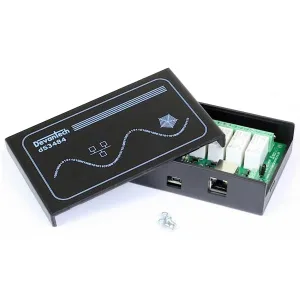
- Extended Compatibility: Through “Remote to URL” mode, the module is compatible and can drive third-party boards, such as those branded Devantech (see related products).
- OLED Display: Shows in real time the IP address, operating status, and I/O.
- Firmware Updatable via OTA (Over-The-Air): Allows updating the device software via WiFi.
- Security: Access protected by login with customizable credentials.
Operating Modes
The module offers exceptional versatility thanks to four different operating modes, which can be configured via the web interface.
1. Manual Mode
This is the basic mode that allows direct control of the outputs. The user can activate or deactivate the relays simply by clicking the buttons on the web interface. At the same time, it is possible to view the status of the contact inputs. It is not possible to manage the output in a timed manner.
Example: An end user can manually turn a light or electrical outlet on or off directly from their smartphone.
2. Automatic Mode
In this mode, the outputs follow the status of the respective input. Input 1 controls output 1 and input 2 controls output 2. It is possible to customize the operating logic and add a deactivation timer.
Inverted Logic: It is possible to have the output activate when the input is open.
Timing: It is possible to set a timing from 1 to 90 seconds for the output. For example, a PIR sensor connected to the input can activate an output and it will remain active for a predefined time after the input is released, resetting the timer on each new detection.
3. Remote to URL Mode
This mode allows sending an HTTP request to an external URL when the status of an input changes. It is a powerful system to make the module communicate with other smart devices or third-party control units. It is perfectly compatible with Devantech-branded boards, allowing simple and professional integration.
Example: When a contact closes (e.g., a magnetic sensor on a door), the module sends an HTTP command to another home automation board to unlock a lock or to an alarm control panel. The URL string can contain up to 80 characters.
4. Manual Mode Managed via URL/HTTP
This mode, designed for automation systems that want to control the module via external software, offers complete control with direct commands via URL. It allows managing outputs with timed deactivation and monitoring system status. It requires a specific syntax that includes username and password, offering complete and detailed control.
Syntax Example: http://IP/Username:Password@out1=on&out2=05
Sending a single URL command to activate a relay and set the timing on another. This command activates output 1 and times output 2 for 5 seconds. The ability to manage outputs with timing makes this device more versatile.
Advantage: The session timeout is reset, making the unit perfect for integration into management software or custom applications.
Typical Applications
- Management of different devices on the same network
- Remotizing an input on the same network or on different networks
- Timing a light controlled by a PIR sensor
- Pump control with level sensor
- Activation of a pump connected to device B when the level sensor on device A is in alarm
- Security system control
- On-site boiler lock signaling with visibility also from the web page
- Gate opening
- Remote access control combined with external devices (keypad or biometric readers)
- Reset circuits
Complete with Enclosure

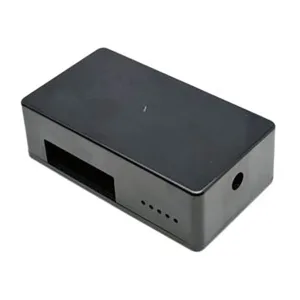
The device is shown with the optional DIN rail enclosure, supplied already cut and drilled.
Technical Specifications
- Contact Rating: 250Vac 5A / 30Vdc 5A (SPST-NO)
- Number of Inputs: 2
- Input Type: Contact (NO or NC configurable)
- Input Open Command URL: 80 characters max. per input
- Input Closed Command URL: 80 characters max. per input
- Timing: 90 seconds max. (Automatic and URL Mode)
- Operating Modes: Manual / Automatic / Remote to URL / Manual via URL-HTTP
- Monitor Display: Yes
- Display Information: IP address / Operating mode / In and Out status / Connected Client address / Firmware version
Documentation
FAQ
- Entering the IP address or host name in the URL, the browser indicates that the page was not found
Check that the URL contains “http://” and not “https://”. For example, if the IP is 192.168.0.202, you should expect to find “http://192.168.0.202” - Trying the firmware update, it does not happen, i.e., the page remains loading and then times out
Make sure you have set the device in firmware update mode by holding down the button on the device for about 5 seconds. A message on the display will inform you that it is in update mode
Technical details
| Outputs and Inputs | Features 2 relay outputs and 2 contact inputs |
|---|---|
| WiFi Module | ESP32-S3-WROOM-1-N8R2 |
| Frequency Band | 2.4 GHz |
| Power Supply | 12 Vdc (1 A max.) |
| DIN Space | 2 modules |
| Integrated Web Server | Yes |
| HTTP Port | 80 (not modifiable) |
| HTTP Port for OTA | 8080 (not modifiable) |
| DNS | Yes (customizable) |
| DHCP | Yes |
| Firmware Update | On Board / OTA |
| Access with Credentials | Yes (mandatory) |
| Login Timeout | 3 minutes (not modifiable) |
| Number of Outputs | 2 |
You may also like…
-
 GSM/GPRS
 -
 Interface converters
Related products
-
 Ethernet devices
 -
 Ethernet devices
 -
 Ethernet & Wi-Fi
 -
 Ethernet & Wi-Fi
 -
 Ethernet & Wi-Fi
Ethernet Board, 2 Relays 16 A, 4 Digital I/O and 2 Analog Inputs
€56.48excl. VAT€68.90incl. VAT -
 Ethernet devices
 -
 Ethernet & Wi-Fi
 -
 Ethernet & Wi-Fi