
GSM/GPRS phone dialer with MP3 voice messages
SKU 8100-TDG135MP3EAN 8219671041478Item type: AssembledGSM/GPRS, Other security
Description
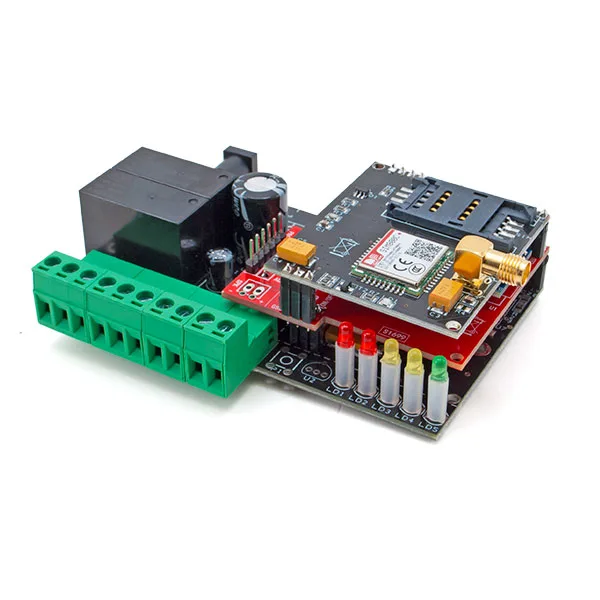
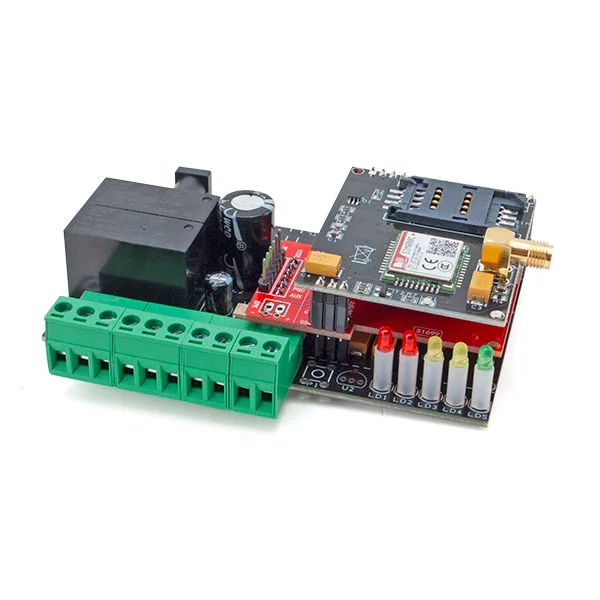
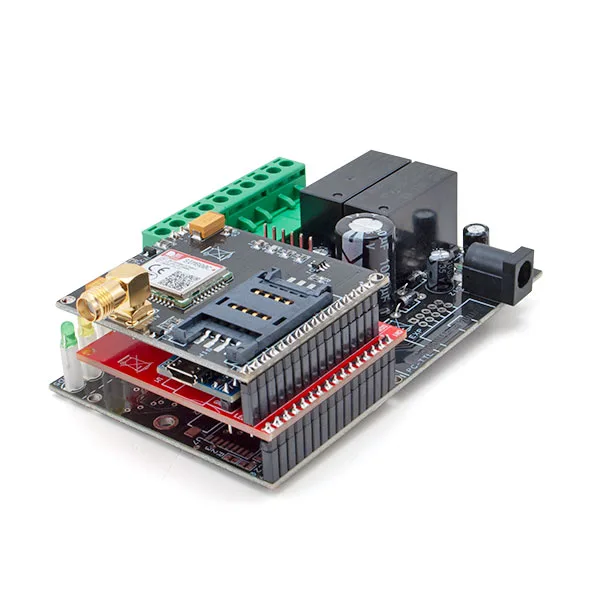
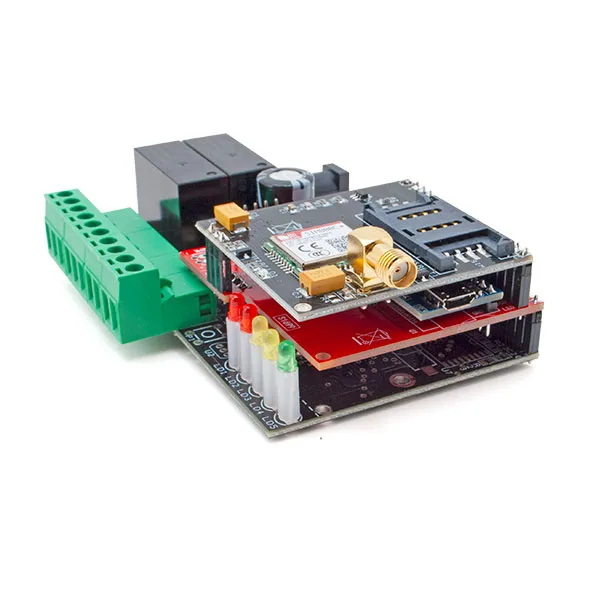
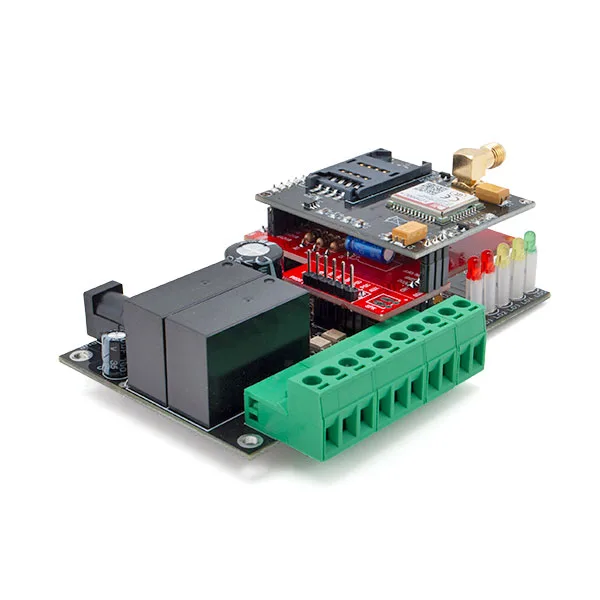
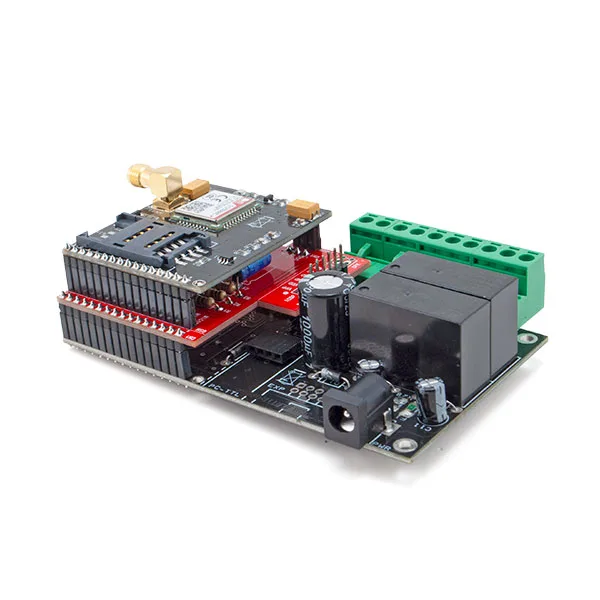
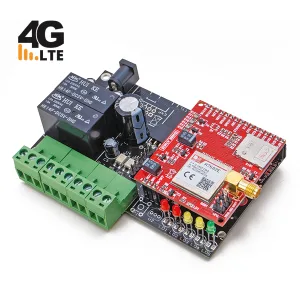
This GSM/GPRS telephone dialer is an advanced solution in the security and remote automation sector. It features an MP3 module with 4 MB of integrated memory, allowing the playback of pre-recorded sounds and messages for more versatile audio interaction. Additionally, it includes the SIM800C GSM/GPRS module, ensuring advanced and reliable connectivity via 2G mobile network for faster and more responsive remote interaction with the device.
It has two opto-isolated inputs and two relay outputs controllable via DTMF tones, phone call (with guided voice menu), and SMS commands. The two outputs can remotely manage a variety of devices such as lights, motors, signaling devices, etc. Furthermore, the device offers the ability to store up to 8 phone numbers for sending alarm alerts via voice call, SMS, or both.
Settings can be managed remotely via SMS or locally via PC with dedicated software (the USB interface is optional). The MP3 module is pre-loaded with messages in MP3 format in the internal memory, but the user can replace them with custom MP3 files uploaded via PC.
The package includes the dialer already assembled and tested with the SIM800C GSM/GPRS module, the voice board with the MP3 player module, a GSM antenna with connection cable, and the user manual in Italian.
Technical specifications
- GSM/GPRS module SIM800C:
– Compliant with GSM Phase 2/2+ - Transmission power:
– Class 4 (2 W) at GSM 850 and EGSM 900
– Class 1 (1 W) at DCS 1800 and PCS 1900 - Power supply: from 9 to 32 Vdc stabilized (or with Li-Ion battery from 800÷1,000 mAh)
- Digital inputs: 2 (level 1 = 5 ÷ 32 Vdc; level 0 = 0 Vdc)
Documentation and useful links
- For drivers (Driver USB.zip) – For the updated driver version http://www.ftdichip.com/Drivers/VCP.htm
- For the software (Configuratore TDG.zip)
- Enable administrator control in Windows 8/10
FAQ
- The device does not respond to messages. When sending the message, the LEDs do not indicate message reception
Check that the SIM card in the remote control has credit. If there is credit, disable RCS chat from your smartphone. To disable RCS chat, go to “Messages > Message Settings > RCS Chat” (if this menu is not found, refer to your phone’s guide to disable the function).
Technical details
| Quad-band | GSM 850, EGSM 900, DCS 1800, PCS 1900 |
|---|---|
| GPRS connectivity | multi-slot class 12 (default) |
| Antenna | GSM stub, external |
| Current consumption | ~50 mA at rest, 1 A at peaks |
| Relay outputs | 2, for controlling low-voltage loads such as SELV (< 60 Vdc) |
| Maximum relay contact current | 10 A |
| Status messages | customizable in MP3 format (for inputs and outputs) |
| Menu | voice in Italian |
| Dimensions | 109 x 67 x 41 (L x W x H) mm |
| Operating temperature | -10°C ÷ +55°C |
| Weight | approximately 142 grams |
Related products
-
 Personal safety
 -
 GSM/GPRS
 -
 GSM/GPRS
 -
 GSM/GPRS
 -
 Gas & smoke detectors
 -
 Other security
 -
 Other security
 -
 Other security