
Ethernet Board with 4 x 16 A Relays, 8 Digital I/Os and 4 Analogue Inputs
SKU 7300-ETH484EAN 8219671061049Item type: AssembledEthernet & Wi-Fi, Ethernet devices
Description
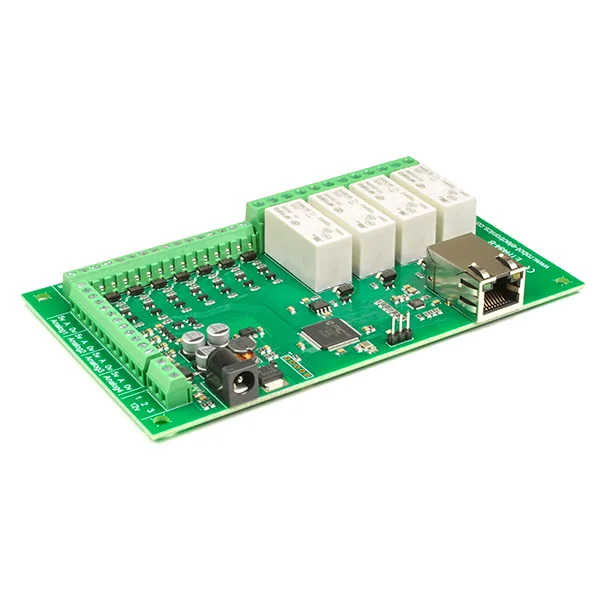
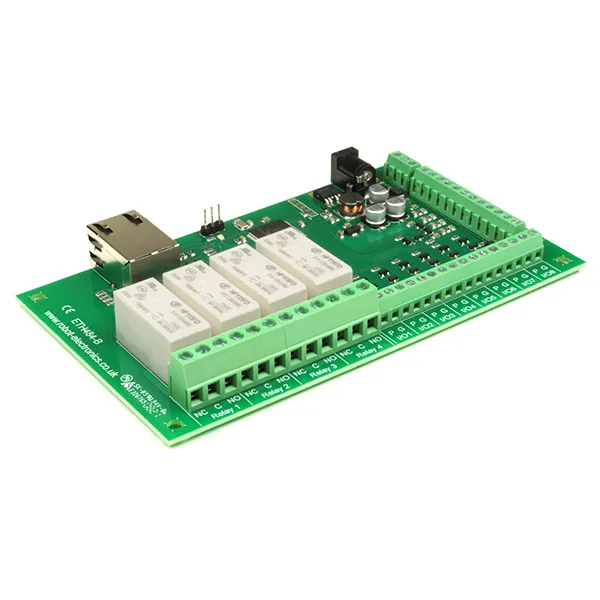
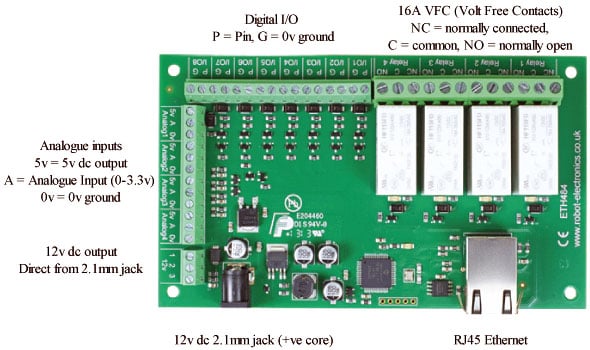
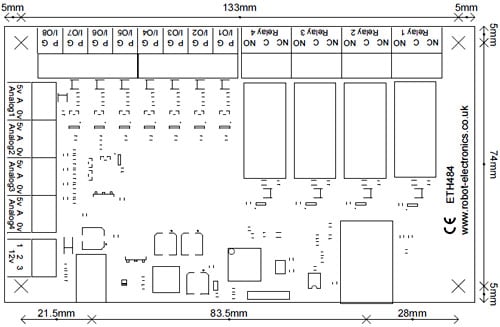
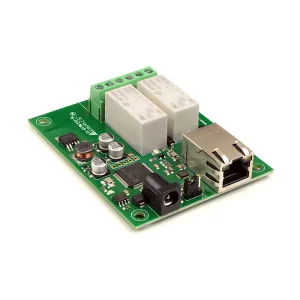
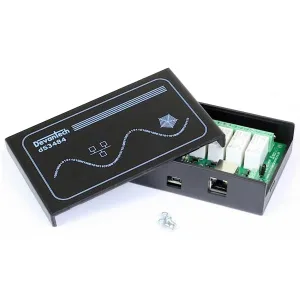
Devantech ETH484-B board with Ethernet interface featuring 4 relay outputs N.O. and N.C. (24 Vdc or 250 Vac / 16 A) with status LED, 4 analog inputs, 8 digital I/O, Ethernet status LED and power supply. It can be controlled via LAN (Local Area Network), Android, iPhone or through an Internet browser (built-in web server). It is compatible with the MQTT protocol. E-mail sending implemented with the option to enable TLS encryption. Power supply: 12 Vdc-500 mA, dimensions: 143 mm (length) x 84 mm (width) x 20 mm (height). Operating temperature: from -40°C to +70°C. The board is supplied already assembled and tested. N.B. the free App for Android and iPhone is available on Google Play or iTunes, just search for “Devantech” and you will find it.
Connections
Test program and example source code
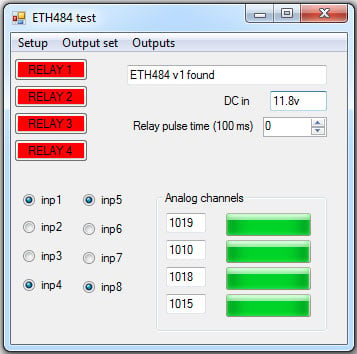
Example program to demonstrate the module’s features. You can examine the code to see how it works and use it as a starting point for your own application. The entire source code of this program is provided (Visual C# express ready built installation files here, or as Visual C# express project with source files here). Visual Studio Express is provided free of charge by Microsoft: http://www.microsoft.com/exPress/download/
Internet access
The board can also be controlled via the Internet using a broadband router. To access the board from the Internet, you will need to open the communication port set to allow incoming TCP connections. Be careful not to open any other port. Since there is a wide variety of routers, we are not able to give details for all of them. If you have any doubts, ask your system administrator for assistance. Below is an example of how to open a port on a Netgear DG834 router.
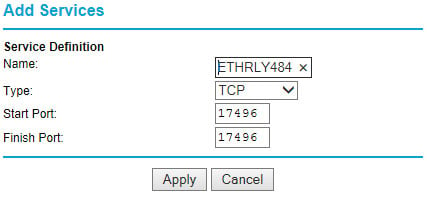
After logging into your router configuration page, the first thing to do is create a new service. Click on the “Services” menu then “Add Custom Service”. Enter a name for the service, select TCP and enter the start and end port address. Click “Apply”.
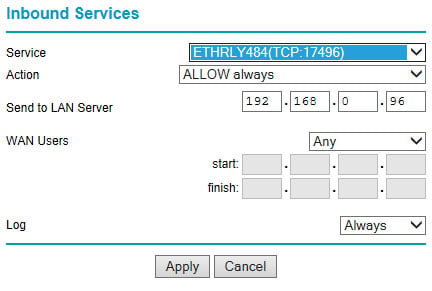
Now go to the “Firewall Rules” menu and click “Add” in the inbound services section. Select the ETH008 service and Always allow. The “Send to LAN Server” IP address is the IP address of the ETH484 board, 192.168.0.96 in the previous example, but check what is on your network. Click “Apply” and that’s it. ETH484 is now accessible via the Internet. Before closing the Router setup page, go to the “Router Status” menu and note the public ADSL port IP address. This is the IP address for Internet access.
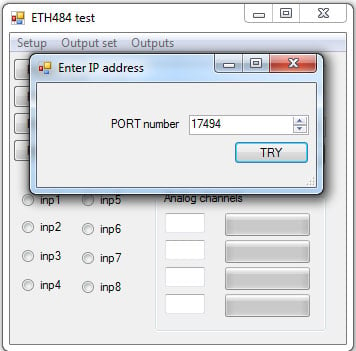
To do a test, you need a computer with an Internet connection and not connected to the same network as the ETH484 board. Download and run the test program below and select the set IP address. In the pop-up window enter the IP address for Internet access. Click “Try IP” and you will connect to the ETH484 interface as if you were inside the network.
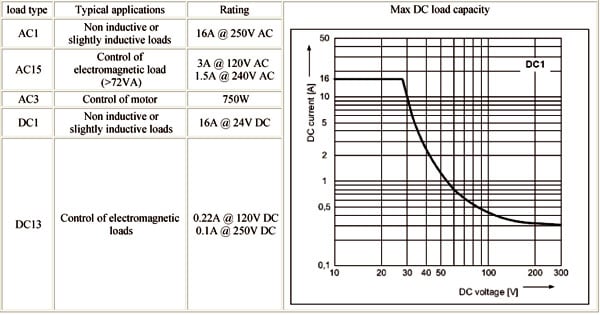
Relay rated power
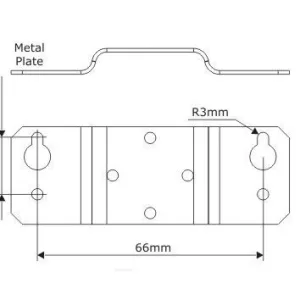
Dimensions
Documentation and useful links
You may also like…
-
 Ethernet & Wi-Fi
Related products
-
 Ethernet devices
 -
 Ethernet devices
 -
 Ethernet & Wi-Fi
 -
 Ethernet & Wi-Fi
 -
 Ethernet & Wi-Fi
Ethernet Board, 2 Relays 16 A, 4 Digital I/O and 2 Analog Inputs
€56.48excl. VAT€68.90incl. VAT -
 Ethernet devices
 -
 Ethernet & Wi-Fi
 -
 Ethernet & Wi-Fi