
Hexapod robot with ESP32 and Bluetooth control
SKU 7100-ESP32HEXAPODEAN 5410329329334Item type: Assembled, KitRobots
Description
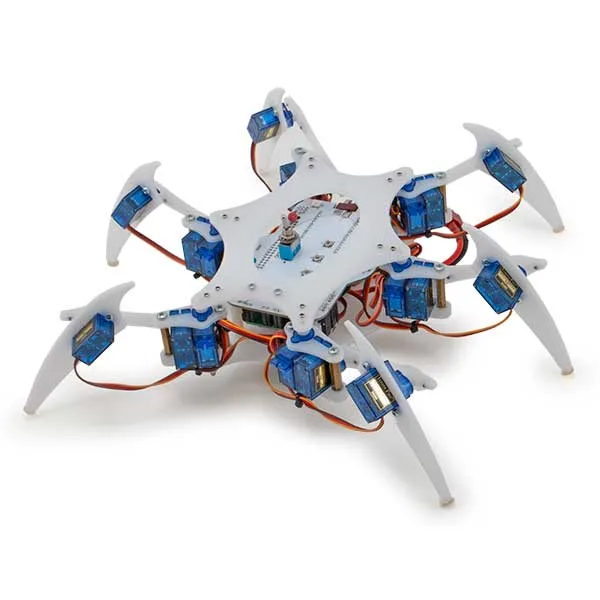
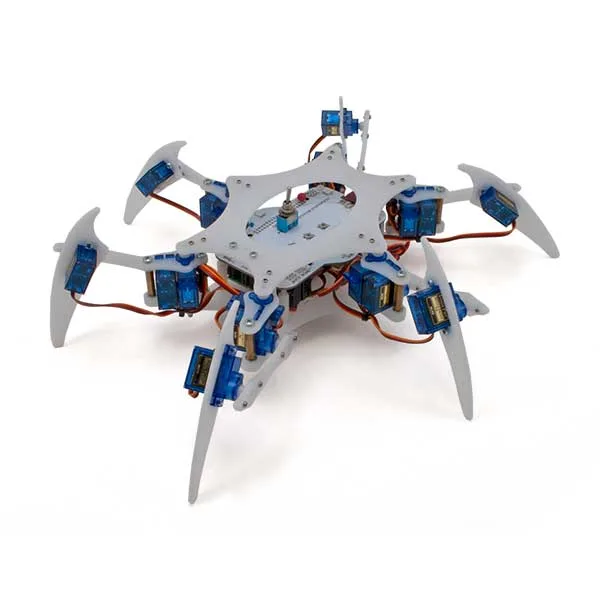
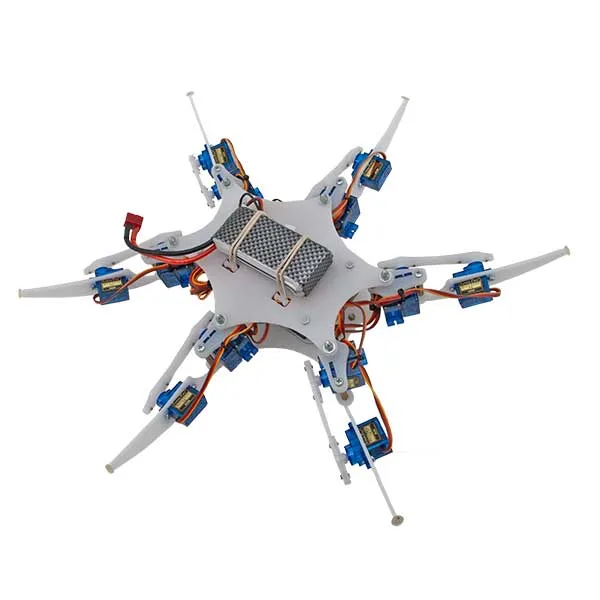
| This hexapod robot based on the ESP32 is designed to reproduce the natural movements of a spider. It has 18 servos, one for each segment of the 6 articulated legs, which are made up of three parts each and give a total of 18 degrees of freedom. The frame is sturdy but light, weighs about half a kilogram and is able to hold itself up and move steadily.
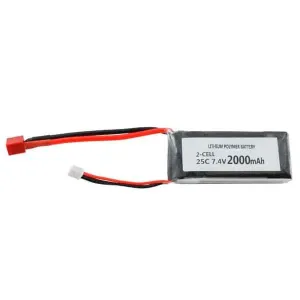
Bluetooth control from a PC or smartphone makes it simple and intuitive to drive, while the programmable firmware lets you tailor the movements to your own needs. Ideal for anyone who wants to go deeper into robotics, and for STEM teaching projects. A 2000 mAh 7.4 V LiPo battery is needed to run it (available separately). The Spider Robot is supplied with illustrated assembly instructions. |
| What you get in the Hexapod Spider Robot kit |
|
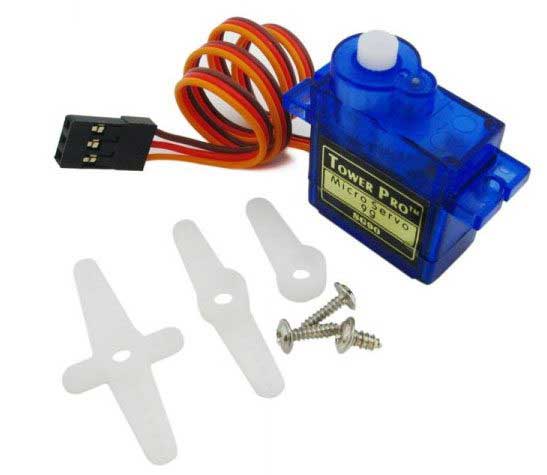
| The servo used to build the Hexapod Spider Robot |
|
|
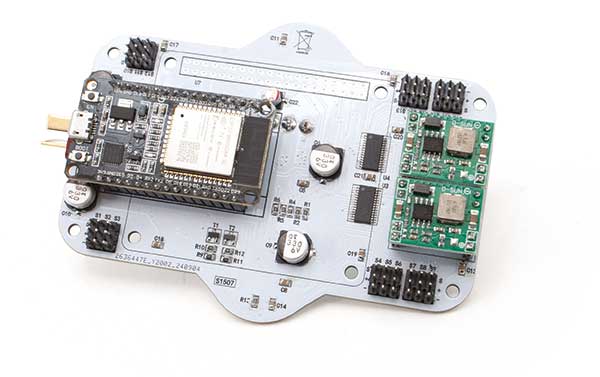
| The heart of the Spider Robot |
|
|
| Firmware |
The firmware is developed in the Arduino IDE. To set up the development environment you need to install the ESP32 package, as follows:
The Spider Robot comes with several sketches for testing the robot movements and functions, including:
The SPIDERBOT sketch pulls together everything the test sketches do and implements the coordinated walking of the robot. |
| Wireless control |
| The Spider Robot uses the Bluetooth built into the ESP32 so it can be driven easily from an Android smartphone or a PC. Bluetooth is easy to set up: two lines of code are enough to enable it and give the device a name. Data is handled just as it would be on a serial port, which keeps the software simple to write.
To control it, just install the free Bluetooth Electronics app from the Play Store. The app lets you build a custom dashboard to send commands to the robot and receive data back. |
Technical details
| Power supply | 2000 mAh - 7.4 V LiPo battery |
|---|---|
| Weight | 460 grams |
| Dimensions | approx. 40x40x7 cm |
You may also like…
-
 Rechargeable batteries
Related products
-
 Robots
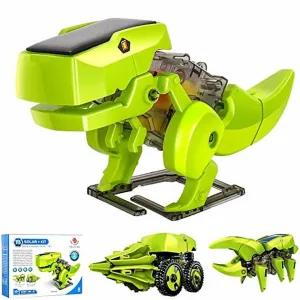
3-in-1 Educational Solar Robot Kit – Dinosaur, Insect and Drill
€12.30excl. VAT€15.00incl. VAT -
 Robots
 -
 Robots
 -
 Robots
 -
 Robots
Off-Road Tracked Robot with Dual ESP32 & Raspberry Pi 5 Controller
€319.67excl. VAT€390.00incl. VAT -
 STEM
STEM -
 Robots
 -
 STEM
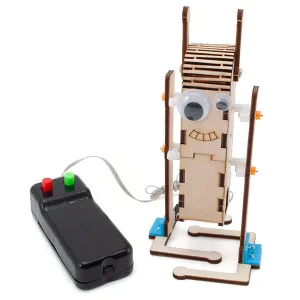
STEMWooden Bipedal Robot Educational Kit with Wired Remote Control
€9.02excl. VAT€11.00incl. VAT