
Micro:bit Starter Kit Version 2
SKU 7300-MICROBITKITVER2EAN 8219671096881Item type: Kit, Starter kitDevelopment systems, micro:bit
Description
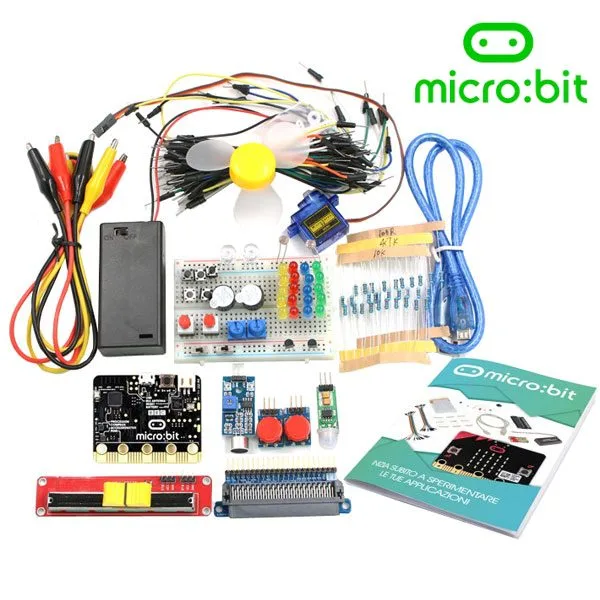
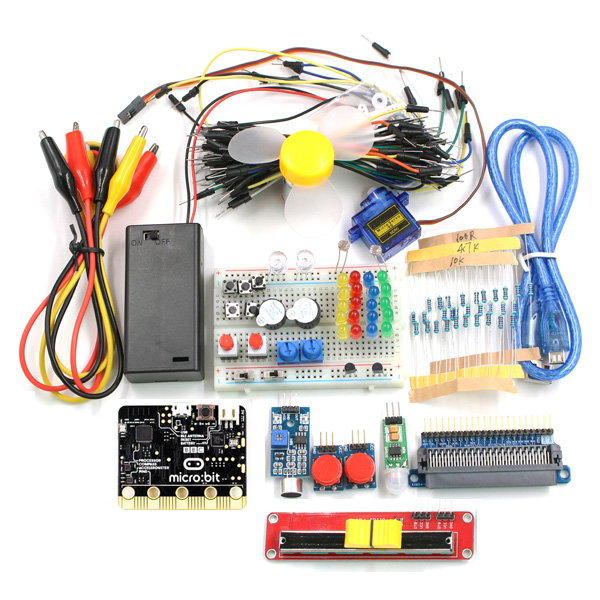
Kit containing a Micro:bit V2 board, a board with a Micro:bit connector, a manual, a USB-microUSB cable, a battery holder with on/off switch for 2 AA 1.5V batteries, 3 cables about 50 cm long with crocodile clips (red – black – yellow), a 400-contact breadboard with self-adhesive base, 60 male-male jumper wires in various colors and lengths, mini RC servo 9 grams, DC motor with fan, module with microphone capable of detecting ambient sound intensity, module with miniature PIR sensor, 2 5V buzzers, 2 10 kohm trimmer potentiometers, 2 momentary push button switches, 2 modules with button, 5 mini push buttons 6x6x7 mm, 2 mini toggle switches, 2 RGB LEDs 8 mm, 5 red LEDs 5 mm, 5 green LEDs 5 mm, 5 yellow LEDs 5 mm, 5 blue LEDs 5 mm, 30 resistors 100 ohm 1/4 watt, 30 resistors 10 kohm 1/4 watt, 30 resistors 4.7 kohm 1/4 watt, 2 photoresistors and 2 TMP36 temperature sensors.
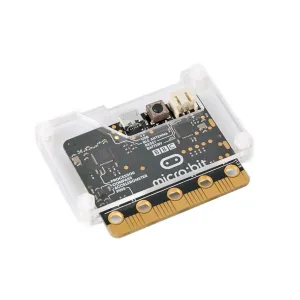
Micro:bit packs into a 4×5 cm board a 32-bit microcomputer, motion sensors, an electronic compass, a Bluetooth module, a good number of I/O, some buttons and numerous LEDs arranged in a matrix for developing graphical interfaces.
Communication with the Micro:bit via USB is managed by software with a dedicated stack encoded in the firmware of the KL26 interface chip, which includes a 32-bit ARM Cortex M0 CPU at 16MHz clock, 32KB of Flash ROM and 4KB of RAM. The software stack allows a normal PC to see the micro:bit as an external mass storage device, like a USB stick. This feature allows transferring software from the PC to the micro:bit simply by dragging the file from the source folder to the root folder of the micro:bit. It is also possible to use the USB connection as a serial connection for transmitting and receiving data from external devices such as other micro:bits, microcontrollers and PCs.
To simplify the task for those who want to take their first steps in programming, a web simulator is available that allows writing and testing programs before downloading them to the micro:bit. It is possible to save created programs on your PC and resume them at any time. Numerous example programs and several tutorials are also available, currently only in English.
Programming environments





- MICROSOFT PXT (BETA) is a programming environment created by Microsoft (still in beta) that supports both a block-based graphical environment, in Scratch style, and the Javascript language.
- PYTHON has been and is still being developed to allow programming microcontrollers in a Python-compatible language. The opportunity to use the Python language allows continuity, in a hypothetical educational path, towards the use of more complex systems such as microcomputers capable of hosting GNU/Linux, like the Raspberry Pi series.
- MICROSOFT BLOCK EDITOR is a visual editor very similar to Scratch and represents the starting point for those who want to start programming. Like Scratch it is very simple to use but it is not a toy. It allows deepening structured programming and event management. The method of composing a program consists of choosing the blocks that represent the instructions, dragging them into the editor panel, configuring them in the customizable parts and “fitting them together” correctly.
- MICROSOFT TOUCH DEVELOP was developed to create programs for the micro:bit using tablets or other devices with touch screens. Of course it can also be used from normal PCs using keyboard and mouse.
- JAVASCRIPT is a development environment that allows those who have made progress in programming to develop programs using the textual syntax of Javascript, with a guided editor that supports the “click and drag” method for composing lines and blocks of code.
Technical specifications of Micro:bit
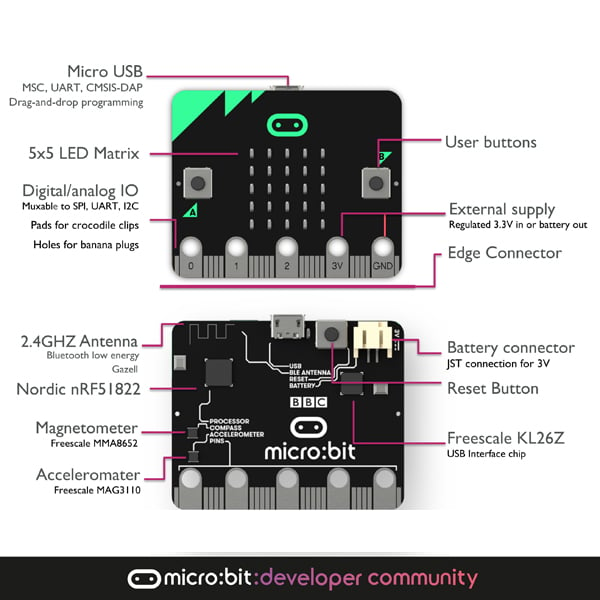
- 25 red LEDs that can be turned on with different intensities to create drawings, animations and games.
- Two buttons that can be managed via software to customize its behavior.
- A reset and restart button.
- An accelerometer capable of detecting and recognizing different types of movement such as shaking, rotations and free fall. Useful for creating a motion sensor or animated games.
- An electronic compass capable of detecting orientation and rotation in degrees relative to North. A further use could be as a metal (magnetic) detector.
- A USB connector to connect the micro:bit to the PC to load software programs.
- A connector for external power supply.
- A Bluetooth Smart Technology module that allows connecting the micro:bit with other devices equipped with the same technology such as other micro:bits, PCs, smartphones, Bluetooth kits, tablets and cameras.
- A temperature sensor capable of detecting ambient temperature.
- A connector with 24 pins, five of which have pads suitable for connecting with crocodile clips. On the connector, analog and digital I/O, communication buses and other functionalities described in more detail later are available.
Documentation and useful links
You may also like…
-
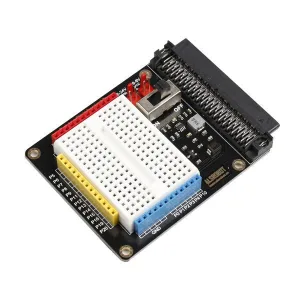 micro:bit
 -
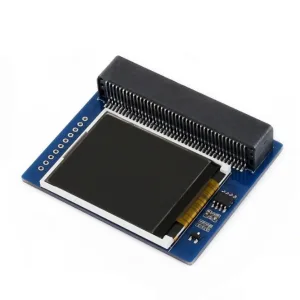 micro:bit
 -
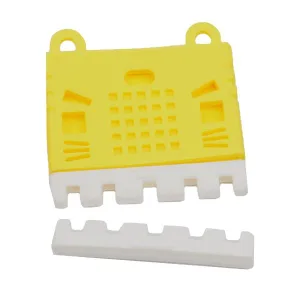 micro:bit
Related products
-
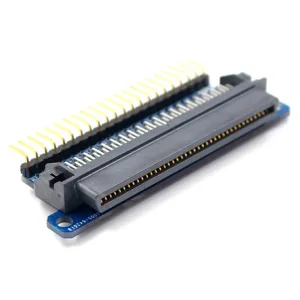 micro:bit
 -
 Development systems
 -
 Development systems
 -
 Development systems
 -
 micro:bit
 -
 Development systems
 -
 micro:bit
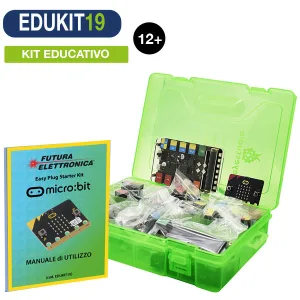
STEM – Easy Plug Kit with micro:bit, Sensors and Italian Guide
€108.20excl. VAT€132.00incl. VAT -
 micro:bit