
Quick start kit with Micro:bit V2
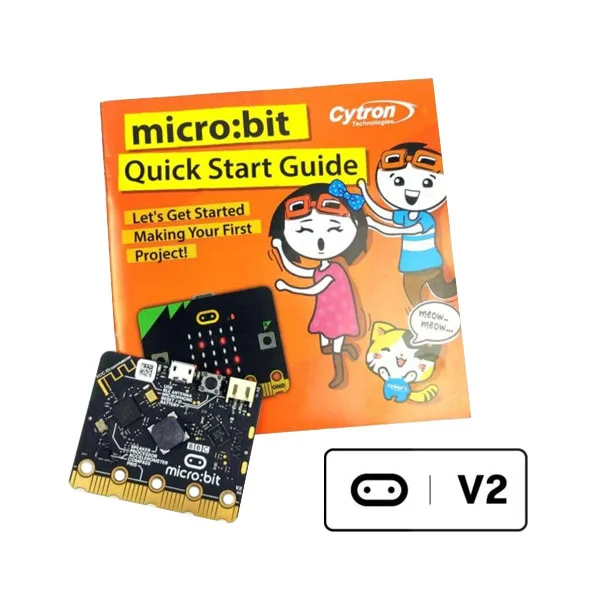
SKU 1686-MICROBITQSKITEAN 8219671118064Item type: Assembled, Starter kitDevelopment systems, micro:bit
Description
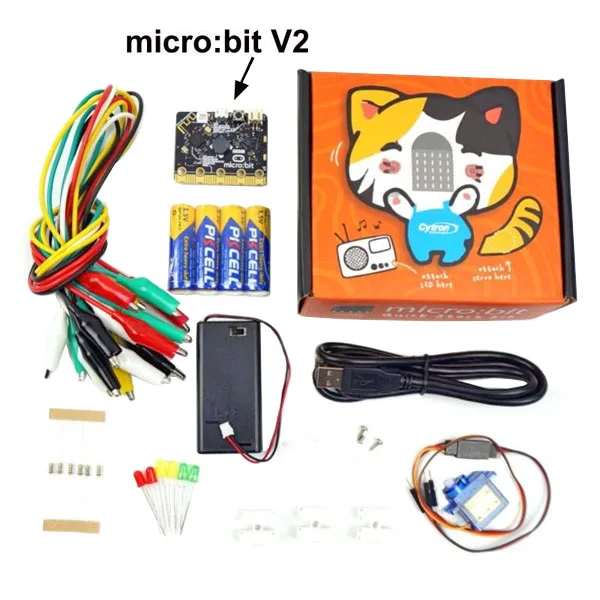
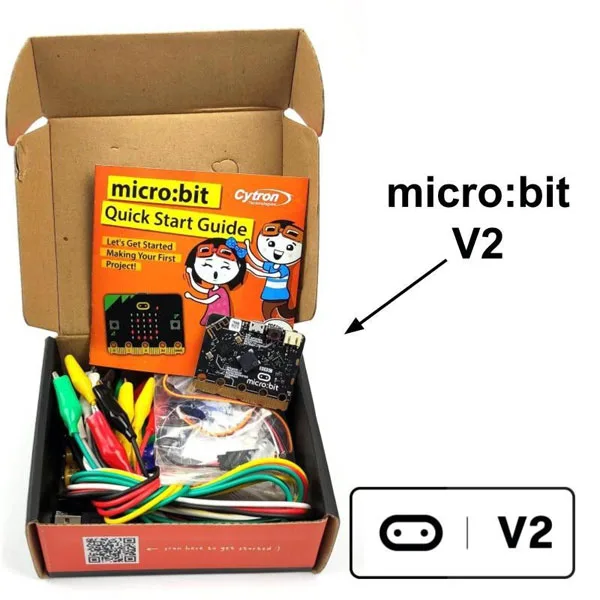
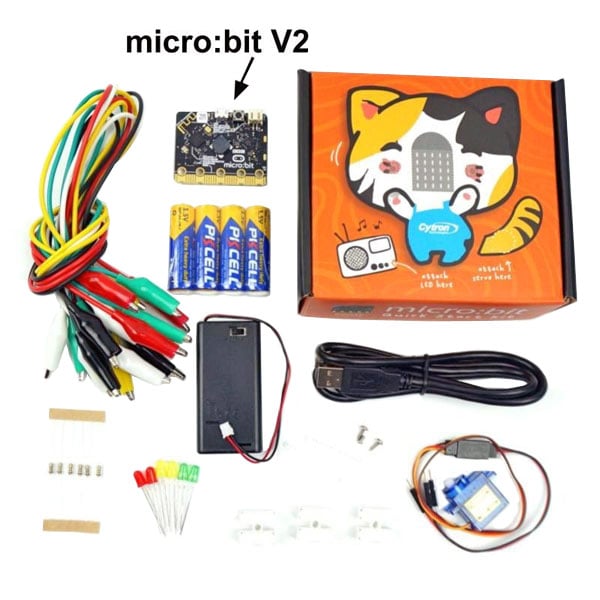
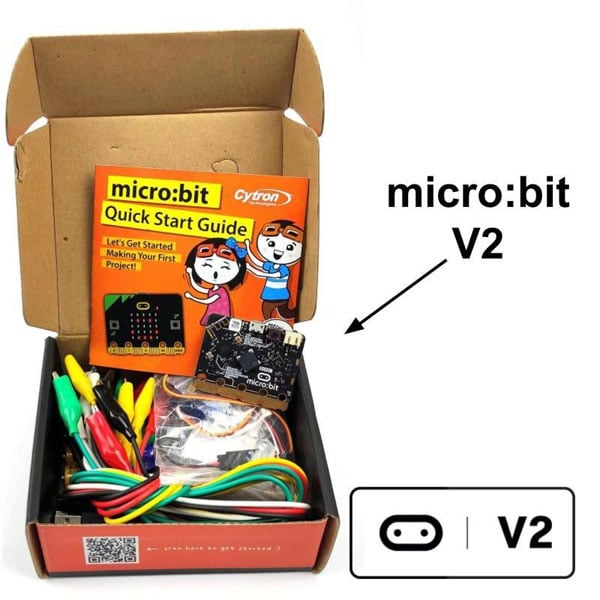
Kit containing a Micro:bit V2 board, a battery holder with on/off switch for 2 AA 1.5 V batteries, four AA 1.5 V batteries, a micro USB B cable, a 9 g RC mini servo, an RC servo extension cable with male dupont pins, two 5 mm yellow LEDs, two 5 mm green LEDs, two 5 mm red LEDs, six 100 ohm ¼ watt resistors, three quick-connect terminal blocks, a set of ten jumper wires with crocodile clips, a quick start guide in English (updated for micro:bit V2), and a cardboard box designed to be used in some of your projects.
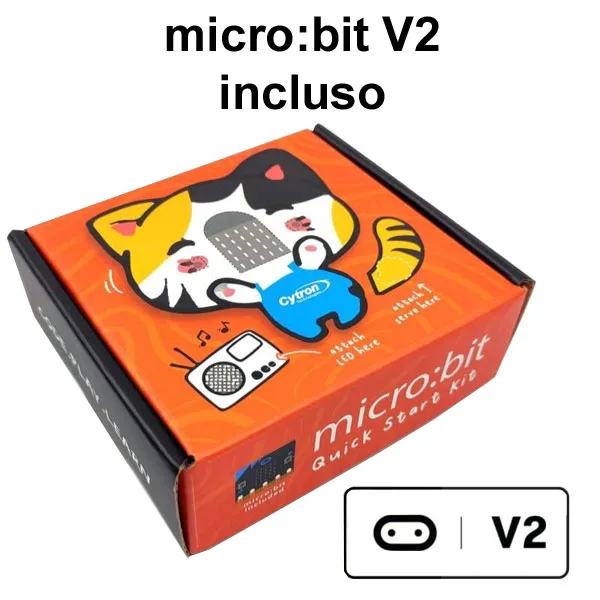
With the micro:bit V2 board and USB cable included in this kit, you can start programming and have fun with the LEDs, buzzer, microphone, buttons, and built-in sensors on the micro:bit V2. Four AA batteries and a battery holder with ON/OFF switch will make your projects portable. The micro RC servo is supplied with a special extension cable for easy connection via crocodile clips. In addition to all the components in this kit, the cardboard packaging itself is creatively designed to be part of your project.
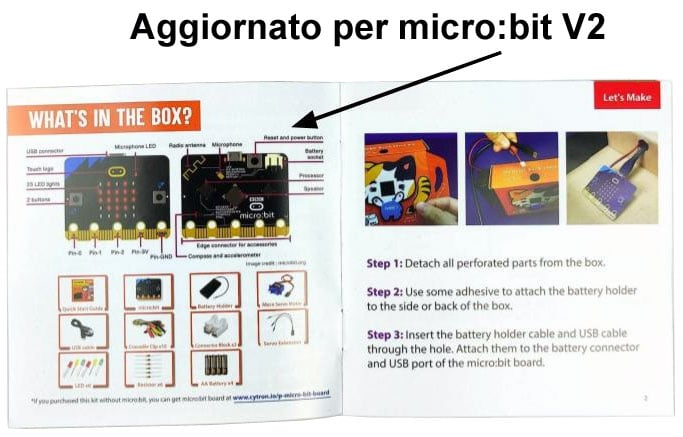
This kit also includes a quick start guide (in English) with updated content for the micro:bit V2 board.
The 5×5 LED matrix and the piezoelectric buzzer are very useful for adding audio and visual effects to your applications. In the MakeCode Editor, many emoticons and melodies are available.
Programming Environments





- MICROSOFT PXT (BETA) is a programming environment created by Microsoft (still in beta) that supports both a block-based graphical environment, in Scratch style, and the JavaScript language.
- PYTHON has been and is still being developed to allow programming microcontrollers in a Python-compatible language. The opportunity to use the Python language allows continuity, in a hypothetical educational path, towards the use of more complex systems such as microcomputers capable of hosting GNU/Linux, like the Raspberry Pi series.
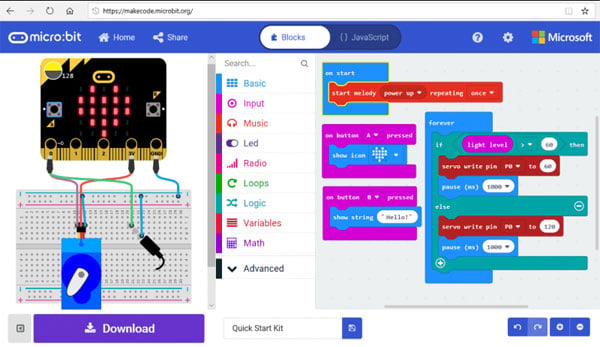
- MICROSOFT BLOCK EDITOR is a visual editor very similar to Scratch and represents the starting point for those who want to start programming. Like Scratch, it is very simple to use but it is not a toy. It allows you to deepen structured programming and event management. The method of composing a program consists of choosing the blocks that represent the instructions, dragging them into the editor panel, configuring them in the customizable parts, and “fitting” them together correctly.
- MICROSOFT TOUCH DEVELOP was developed to create programs for the micro:bit using tablets or other devices with a touch screen. Of course, it can also be used from normal PCs using keyboard and mouse.
- JAVASCRIPT is a development environment that allows those who have made progress in programming to develop programs using the textual syntax of JavaScript, with a guided editor that supports the “click and drag” method for composing lines and blocks of code.
Technical Specifications of Micro:bit V2
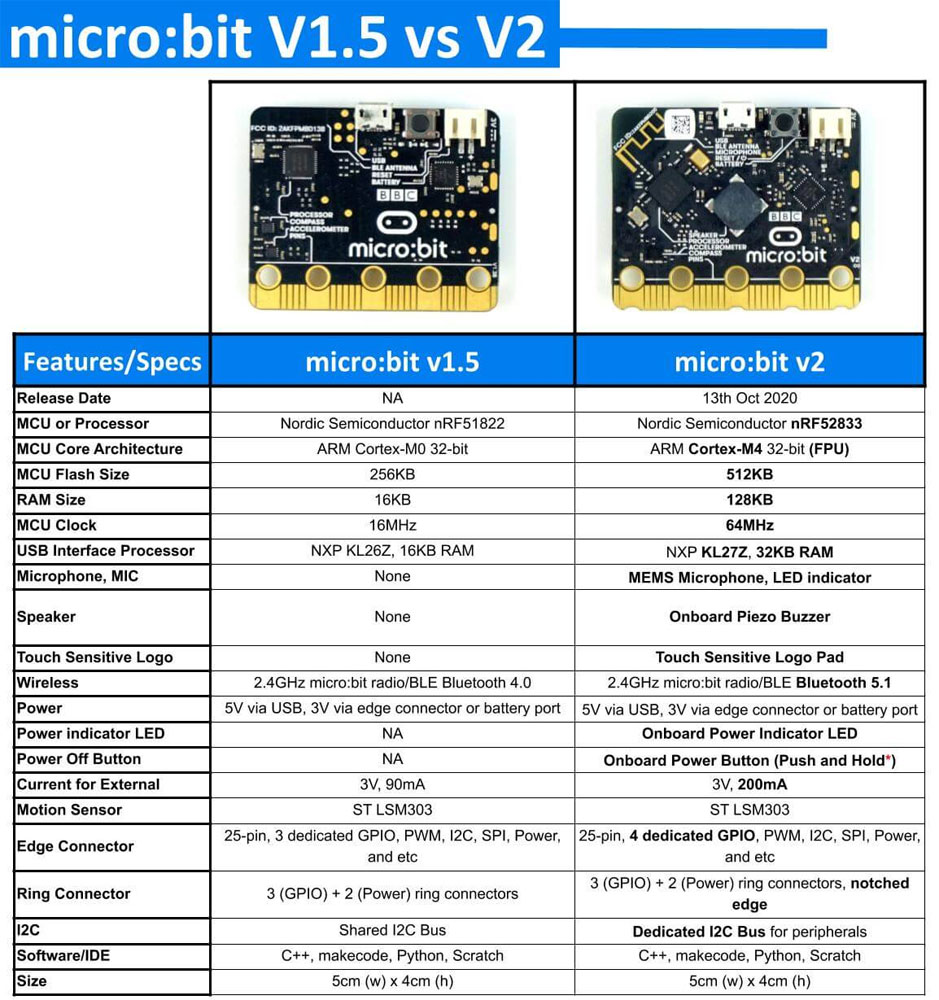
- 32-bit ARM Cortex-M0 CPU
- 256 KB Flash
- 16 KB RAM
- 5×5 red LED matrix display
- Two programmable buttons
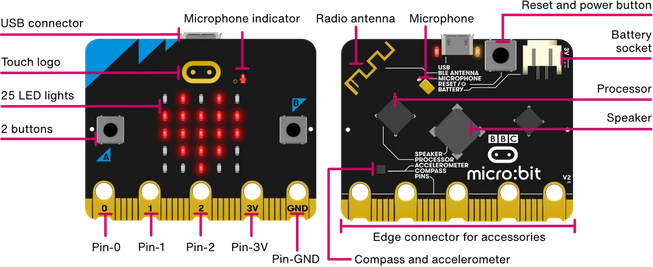
- Equipped with accelerometer, compass, light and temperature sensors, microphone, and buzzer
- Wireless communication via Bluetooth BLE and 2.4 GHz radio
- Edge connector with five pads suitable for connection with crocodile clips. The connector provides analog and digital I/O, communication buses, and other features described in more detail later.
- Micro USB type B connector to connect the micro:bit to the PC to upload software programs
- JST-PH battery connector
- Reset button with status LED
Click on the image to enlarge
Documentation and Useful Links
You may also like…
-
 micro:bit
 -
 micro:bit
 -
 micro:bit
Related products
-
 micro:bit
 -
 Development systems
 -
 Development systems
 -
 Development systems
 -
 micro:bit
 -
 Development systems
 -
 micro:bit
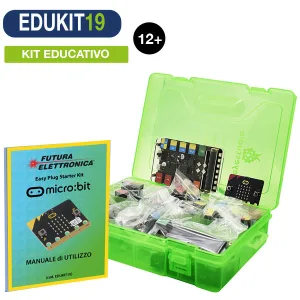
STEM – Easy Plug Kit with micro:bit, Sensors and Italian Guide
€108.20excl. VAT€132.00incl. VAT -
 micro:bit